
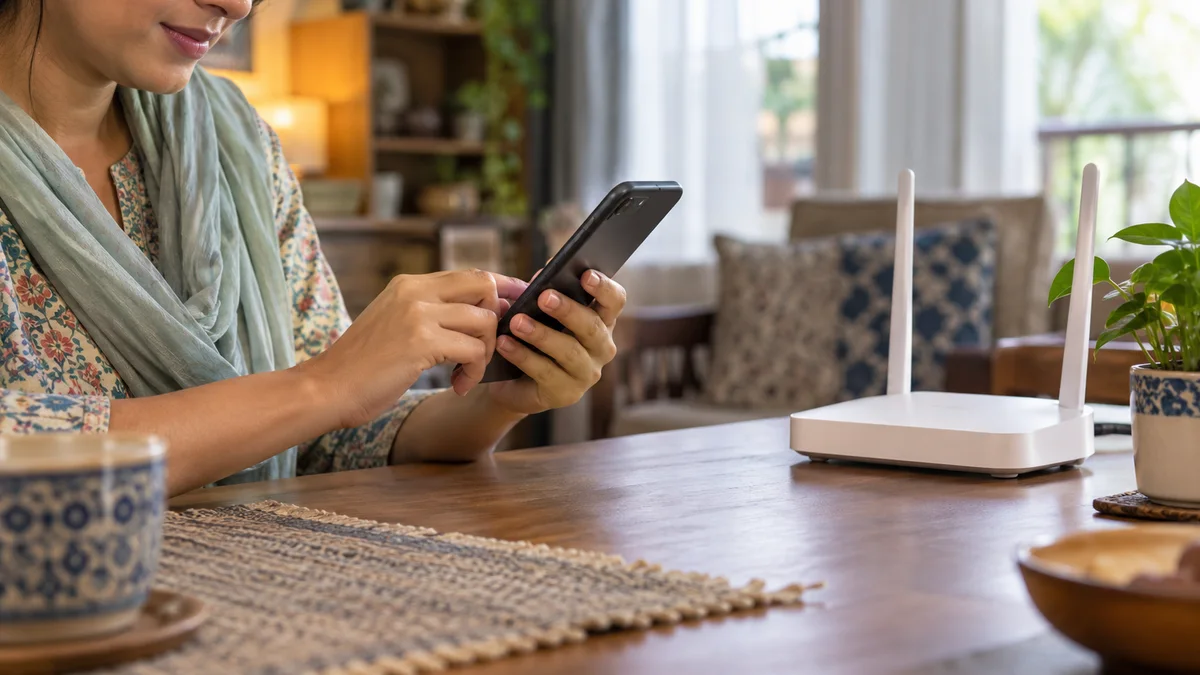
Changing your Wi-Fi password is the quickest way to remove people you did not invite. You can do it from a phone or a computer connected to your router.
Steps
Connect to your Wi-Fi, or plug in a cable.
Open your browser and type the address on your router label, often 192.168.0.1 or 192.168.1.1.
Sign in with the username and password on the same label.
Find the Wireless or Wi-Fi settings.
Change the network name (SSID) and the password, then save.
Reconnect your phones, TVs and laptops with the new password.
Tips
Write the new password down somewhere safe at home.
If your router has two networks (2.4 GHz and 5 GHz), update both.
If you get locked out, call 09644-252525 and our team will guide you.