

When the internet feels slow, the cause is often inside the home: where the router sits, how many devices are connected, or an old device. These fixes solve most problems.
Fixes to try
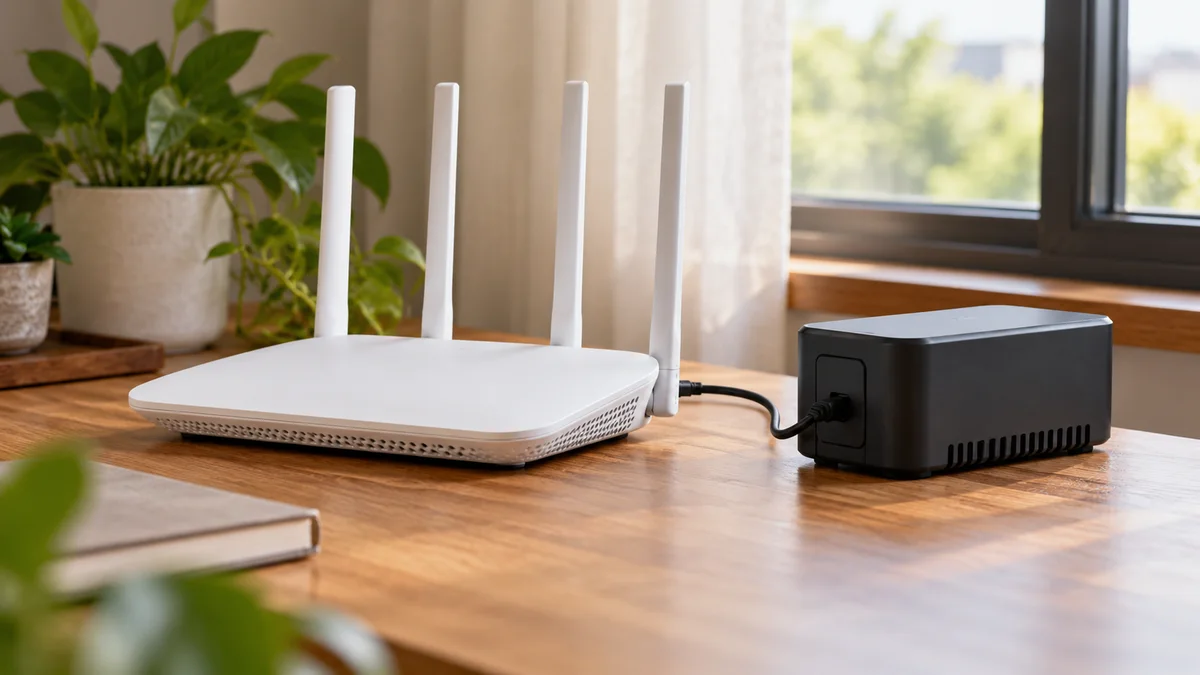
Restart your router. Switch it off, wait 30 seconds and switch it on again.
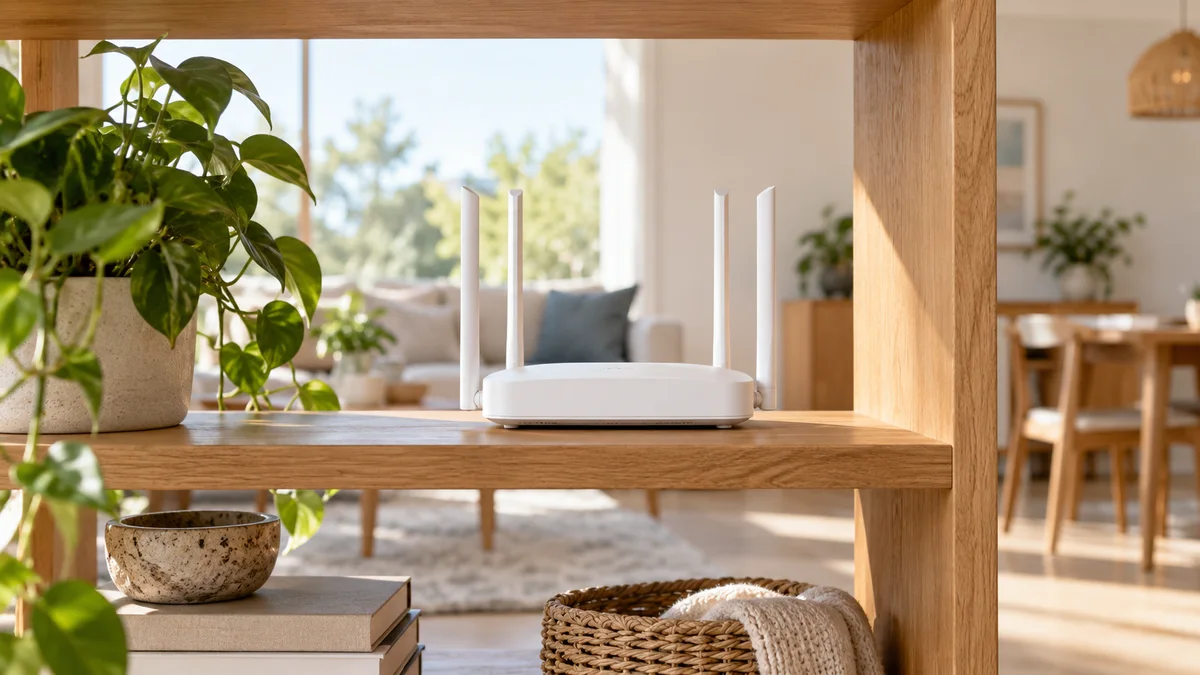
Move the router to an open, central spot, away from walls, metal and the floor.
Get closer. Wi-Fi gets weaker through walls and over distance.
Use a cable for a TV or computer that stays in one place.
Disconnect devices you are not using, and stop large downloads running in the background.
Update your phone, laptop and router software.
Change your Wi-Fi password if you think others are using your network.
Test your speed with a device close to the router to see if the issue is the Wi-Fi or the connection.
When to call us
If speed is still low with a device near the router or on a cable, call our helpline at 09644-252525 between 10:00 AM and 8:00 PM and our team will check your connection.