

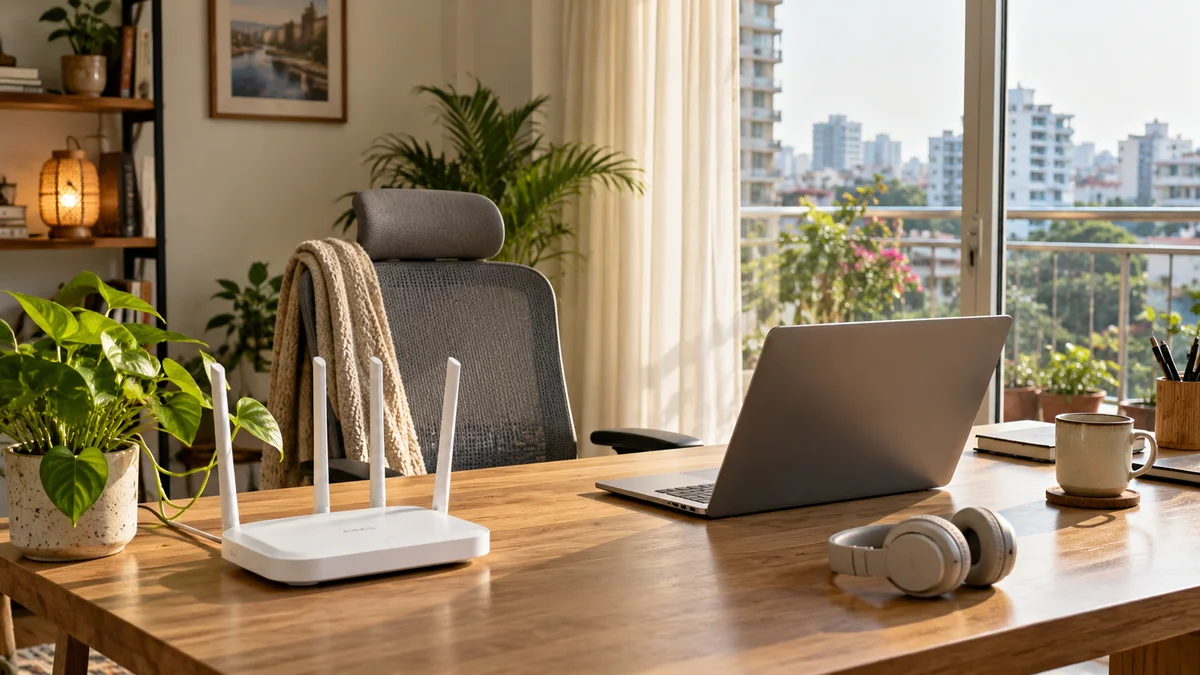
Working from home needs a connection you can count on during work hours. A few small changes make calls clearer and uploads faster.
Your setup checklist
Use a cable for your work laptop if you can. It is steadier than Wi-Fi.
If you use Wi-Fi, work in the same room as the router.
Keep your router on a UPS so short power cuts do not end your call.
Schedule big uploads and updates outside meeting times.
Use headphones with a microphone for clearer calls.
Test before important calls
Ping and jitter matter more than raw speed for video calls. Run our connection quality test to see if your line is steady.
Choosing a package
If you work from home while others stream or study, choose Advance 60 or higher so everyone has room.